AZ SATFINDER1.3
Publisher Description
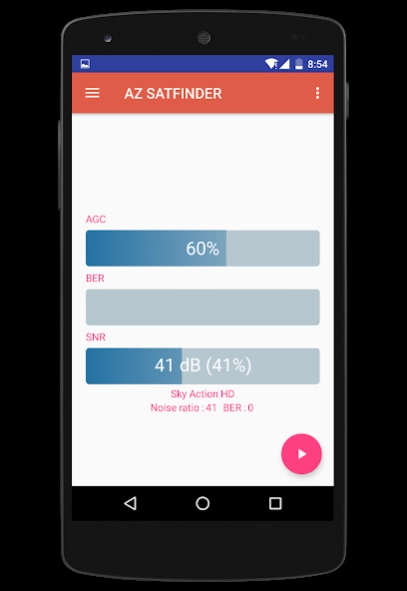
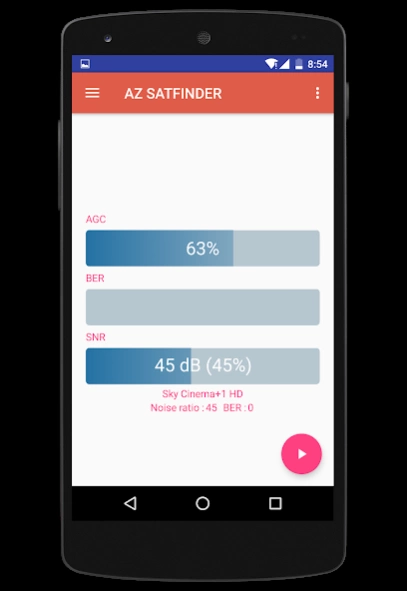
signal meter for your AZBOX set box
If you've ever had satellite service suddenly cut out on you, you know how aggravating and time consuming it can be to remedy the problem. But thanks to this easy-to-use AZ SATFINDER correct the problem yourself in seconds! az satfinder is perfect for installing new dishes, adjusting the dish on your RV, or simply making adjustments to residential dishes after windstorms, hurricanes, heavy rains or earthquakes.
Simply wire this tool between your dish and your azbox receiver, turn on your equipment and adjust your satellite dish until the meter indicates optimum signal strength.Use this tool in your smartphone today and you'll never have to wait on hold forever so your provider's service rep can schedule a repair appointment next week. And you'll never have to recruit a second person to help you with a lengthy trial and error process.
FEATURES
★ Show signal strength.
★ Show channel name
★ Show satellite name and position
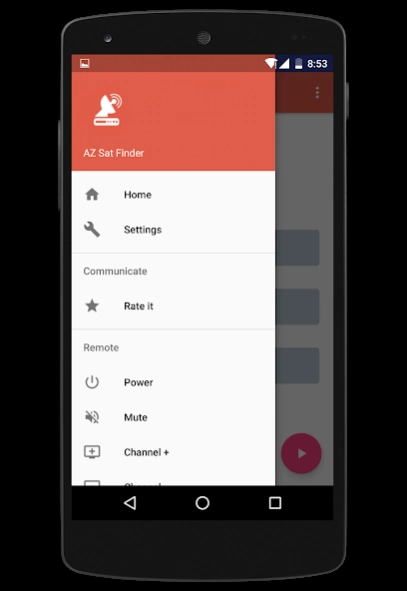
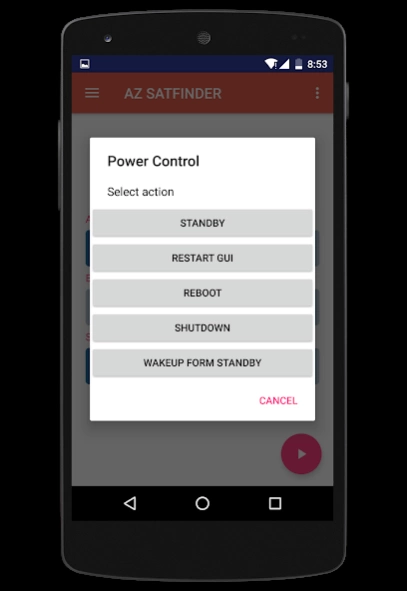
★ Power ON / OFF Control, standby, reboot
★ Sound Mute / Un-mute.
★ Volume Up Control.
★ Volume Down Control.
★ Channel Up Control.
★ Channel Down Control.
List of supported AZBOX receivers :
►AZBOX ME
►AZBOX Me - AzTrino edition
►AZBOX miniME
►AZBOX Premium HD
►AZBOX Premium HD plus
►AZBOX Ultra
►AZBOX Elite HD
►AZBOX Home Media Center
To get started, connect your Android phone or tablet to the same network as your AZBOX receiver.
PS: the default password of "root" user is "azbox"
FACEBOOK : https://www.facebook.com/bigmetamobile
About AZ SATFINDER
The company that develops AZ SATFINDER is bigmetamobile. The latest version released by its developer is 1.3.
To install AZ SATFINDER on your Android device, just click the green Continue To App button above to start the installation process. The app is listed on our website since 2016-08-10 and was downloaded 9 times. We have already checked if the download link is safe, however for your own protection we recommend that you scan the downloaded app with your antivirus. Your antivirus may detect the AZ SATFINDER as malware as malware if the download link to az.satfinder is broken.
How to install AZ SATFINDER on your Android device:
- Click on the Continue To App button on our website. This will redirect you to Google Play.
- Once the AZ SATFINDER is shown in the Google Play listing of your Android device, you can start its download and installation. Tap on the Install button located below the search bar and to the right of the app icon.
- A pop-up window with the permissions required by AZ SATFINDER will be shown. Click on Accept to continue the process.
- AZ SATFINDER will be downloaded onto your device, displaying a progress. Once the download completes, the installation will start and you'll get a notification after the installation is finished.
Program Details
System requirements
Download information
Pricing
Version History
version 1.3
posted on 2016-08-10
NEW UI
